Video feedback on every check-in, without paying for Loom
Press Record inside the check-in, talk your client through their numbers with your face in the corner, and hit send. No uploads, no links, no extra subscription.




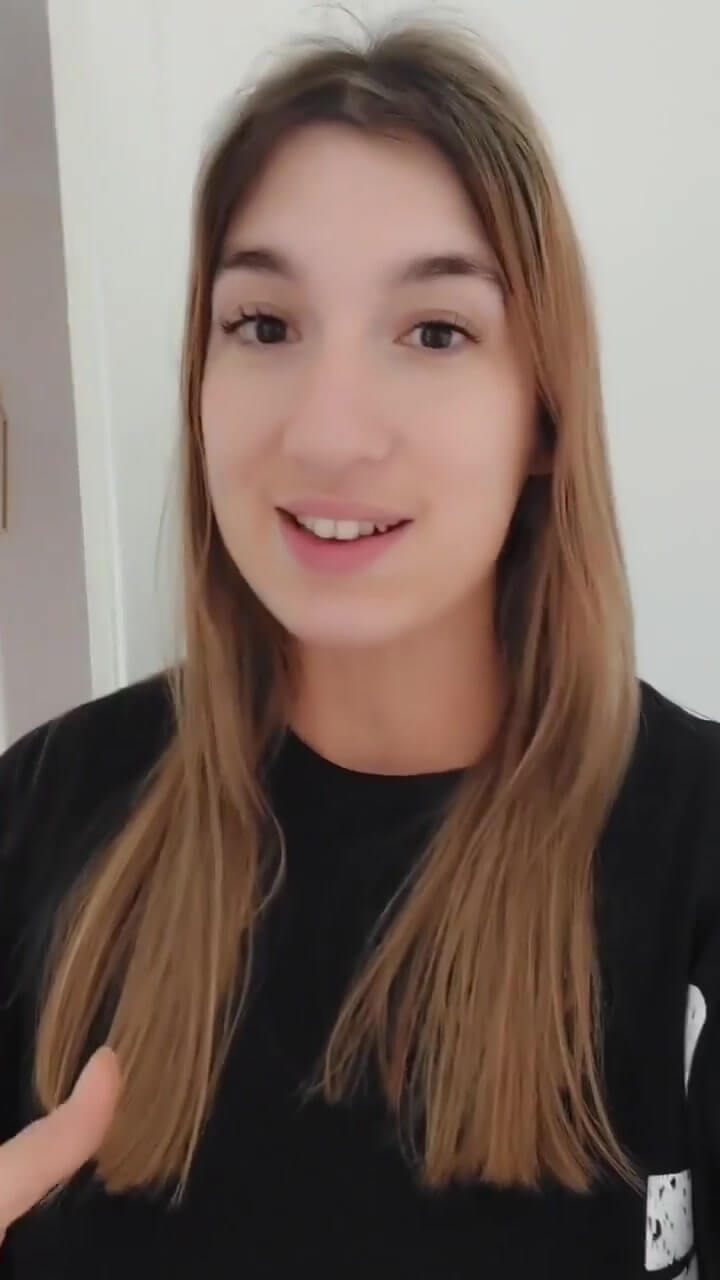
Strong week, Jess. I've talked you through your numbers in the video.
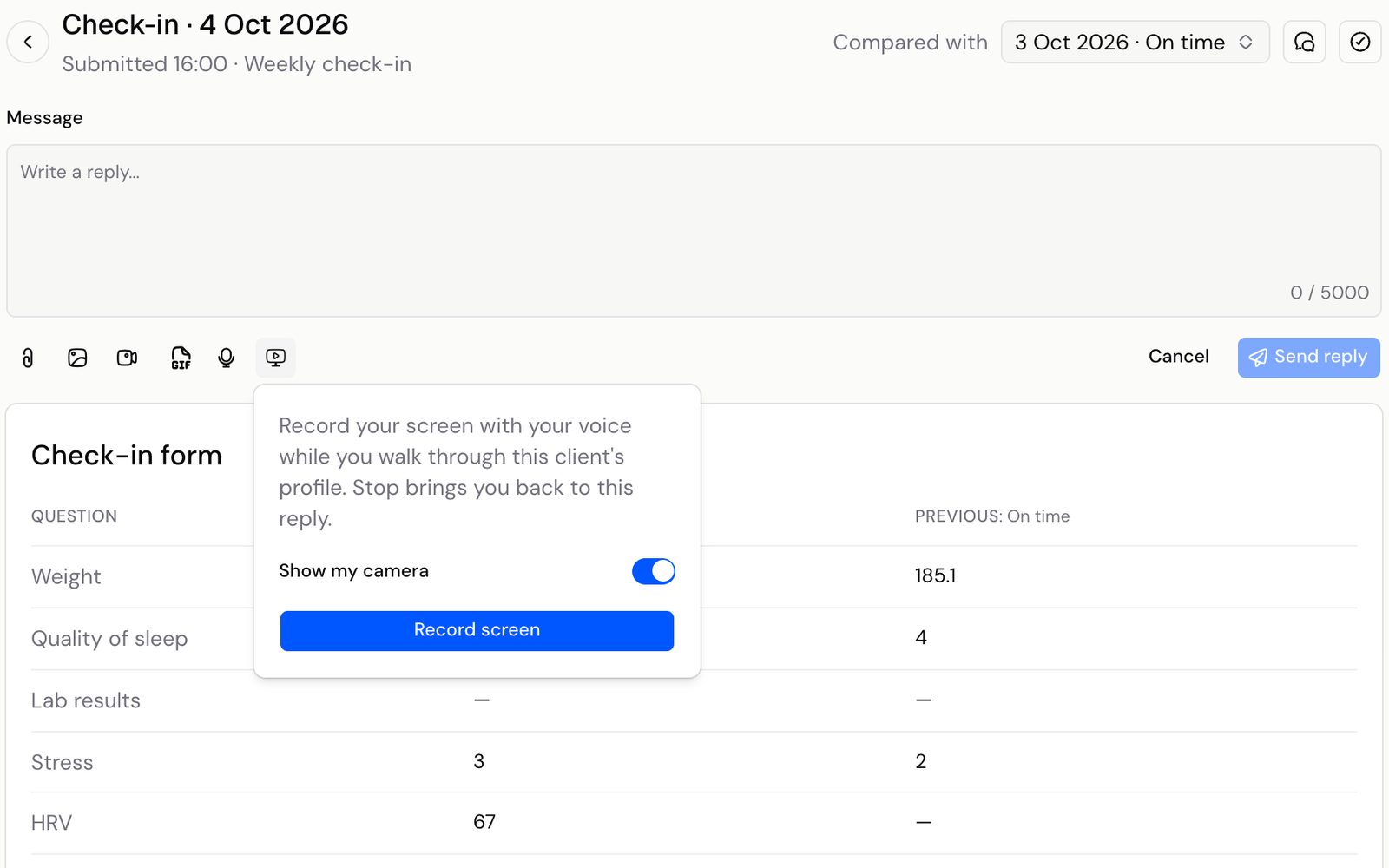
Record your screen with your voice while you walk through this client's profile. Stop brings you back to this reply.
Show my cameraRecord screen
Video feedback shouldn't mean juggling three apps.
Open Loom. Find the client's check-in in another tab. Record, wait for it to process, copy the link, paste it into a message and hope they click it. Then do it all again for the next client, and pay a monthly subscription for the privilege.
- Another subscription to pay forYou pay for a recording tool on top of your coaching software, just to talk a client through their week.
- Upload, copy, paste, repeatEvery video means switching apps, copying a link and checking it landed in the right conversation.
- Feedback that goes missingLinks get buried in DMs and email threads, so a month later neither of you can find what you said.
Record your feedback where you review it. Then move on to the next client.
Walk them through their week, then hit send.
Open a client's check-in, press Record screen and talk them through their numbers, photos and plan. Stop brings you straight back to the reply, with the video attached.
- Records your screen and your voice
- Turn on your camera to appear in a bubble
- Up to 10 minutes per recording
Loom and a message thread, compared with Kahunas.
How it works. Three steps, no setup.
- Check-in · 4 Oct 2026Submitted 16:00 · Weekly check-in
- Weight184.2185.1
- Quality of sleep44
1Open a check-inPick any client's check-in in Chrome or Edge on your computer. - Show my cameraRecord screen0:03 / 10:00Stop2Press Record screenChoose whether to show your camera, then talk them through it. You have up to 10 minutes.
- Screen recordingSend replyReply sent3Hit sendStop brings you back to your reply with the video attached. Send it like any other reply.
Questions coaches ask. Answered.
Works well with
Make every check-in reply feel one-to-one
“Try Kahunas for 3 months, not just 14 days. If you're not satisfied for any reason, message us in the chat and I'll personally refund you the same day.”
 Mark · Founder of Kahunas